
Robotix Learning App
Electronics, coding and Robotics Learning interactive App


Workshop

Home

Dashboard

CaseStudy
- Code
- Connect
- Create
App category : Educational, STEM & Engineering
Electronics, coding and Robotics Learning interactive App. This app is designed for young students who want to kickstart their passion in coding and tech. Product is designed for school as well as college students.
code
connect

create

Bullet Points
Bullet points :
- Overview
- My role
- Design process
- Research ( survey and more)
- Target Audience
- User persona
- User flow
- Information Architecture
- Wireframe sketches
- Low fed wireframe
- Style guide
- Design system
- Typography
- Iconography
- Color
- Prototyping
- Interactive Prototyping( App video Screen recording)
Overview
Robotix Learning app is designed to provide practical education to school as well as college students. This app works on a freemium model. Learners will watch high quality videos. After that they can play interactive quizzes and engaging activities and they can earn a super coin.
Mission of the app is to provide practical education to youth of our country so that they can innovate and build products that can add value in our day to day life.

My Role
For this project I did user research to define the problem followed by working on the whole design process. I was working as a product designer for this project.
Key contribution
- User Research
- User flow
- Information Architecture
- Wireframes
- Prototyping
- Design system
- UI designs
- User persona
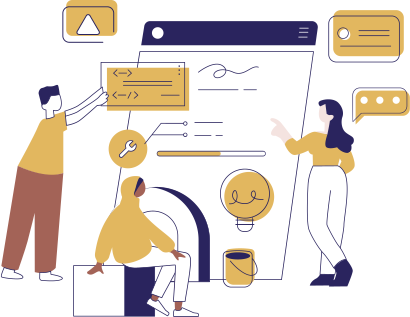

Target Audience


Age Group : 13-24 years
Financial Status : Middle class, Upper middle class, High class
Work Profile : School students and College students



Design Process


Discover
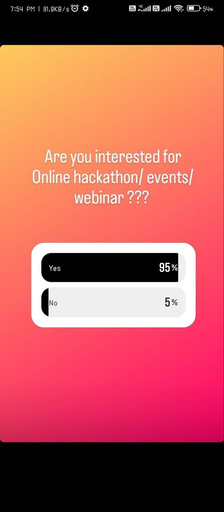
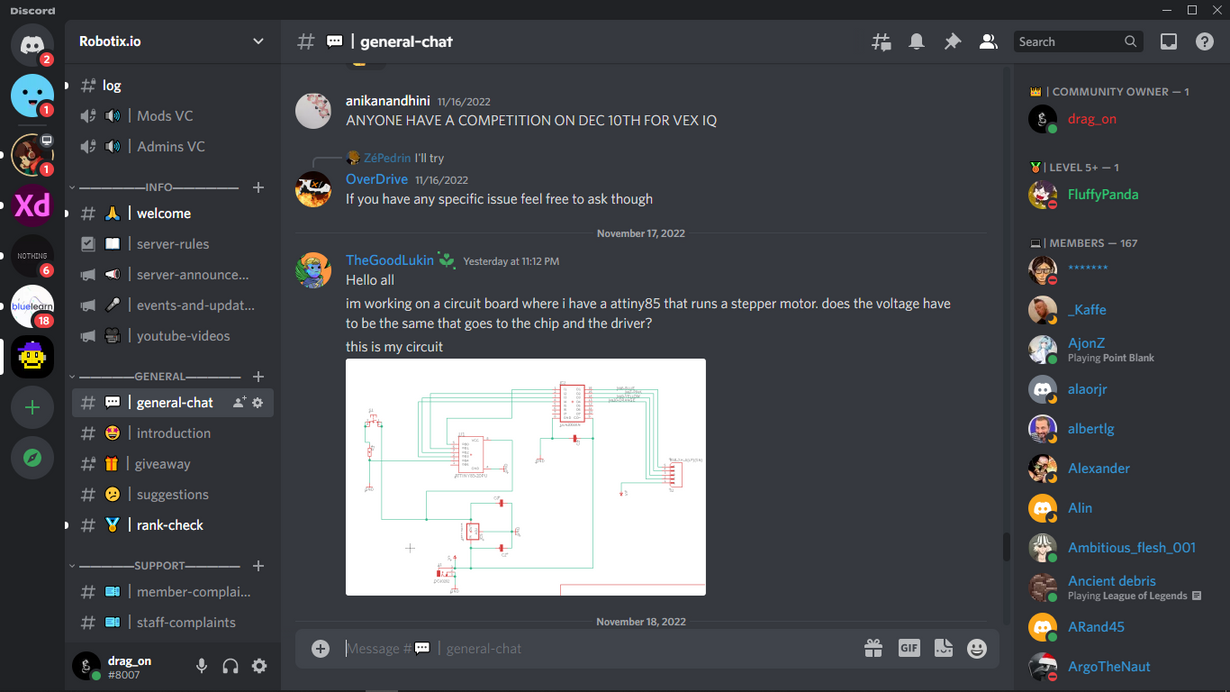
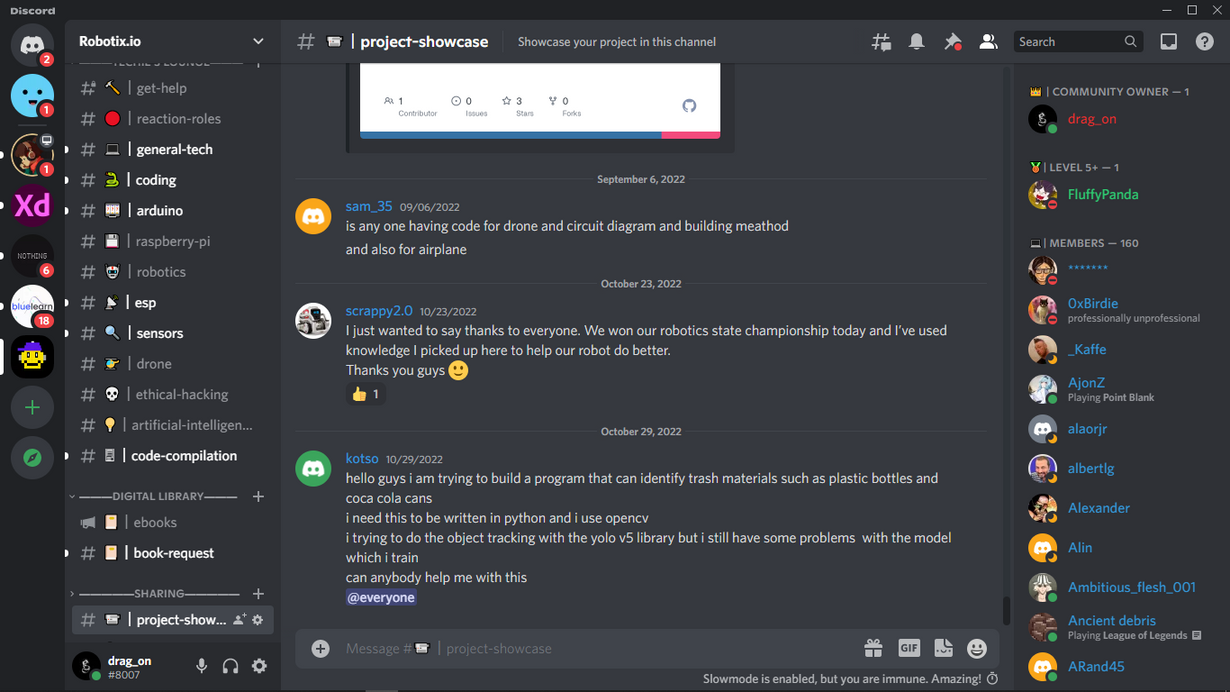
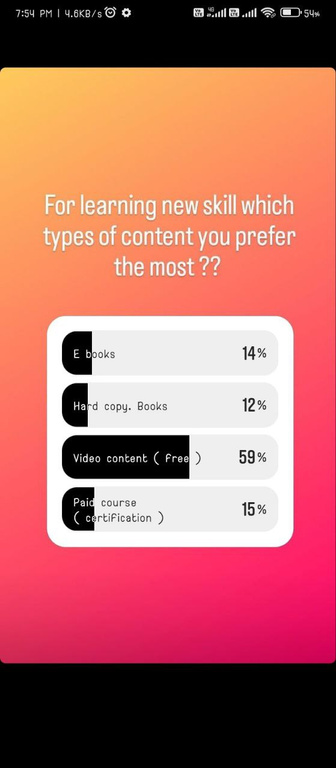
The first step was to discover by conducting the research what exactly the problem is all about.

Define
After this initial research I aim to define the problem
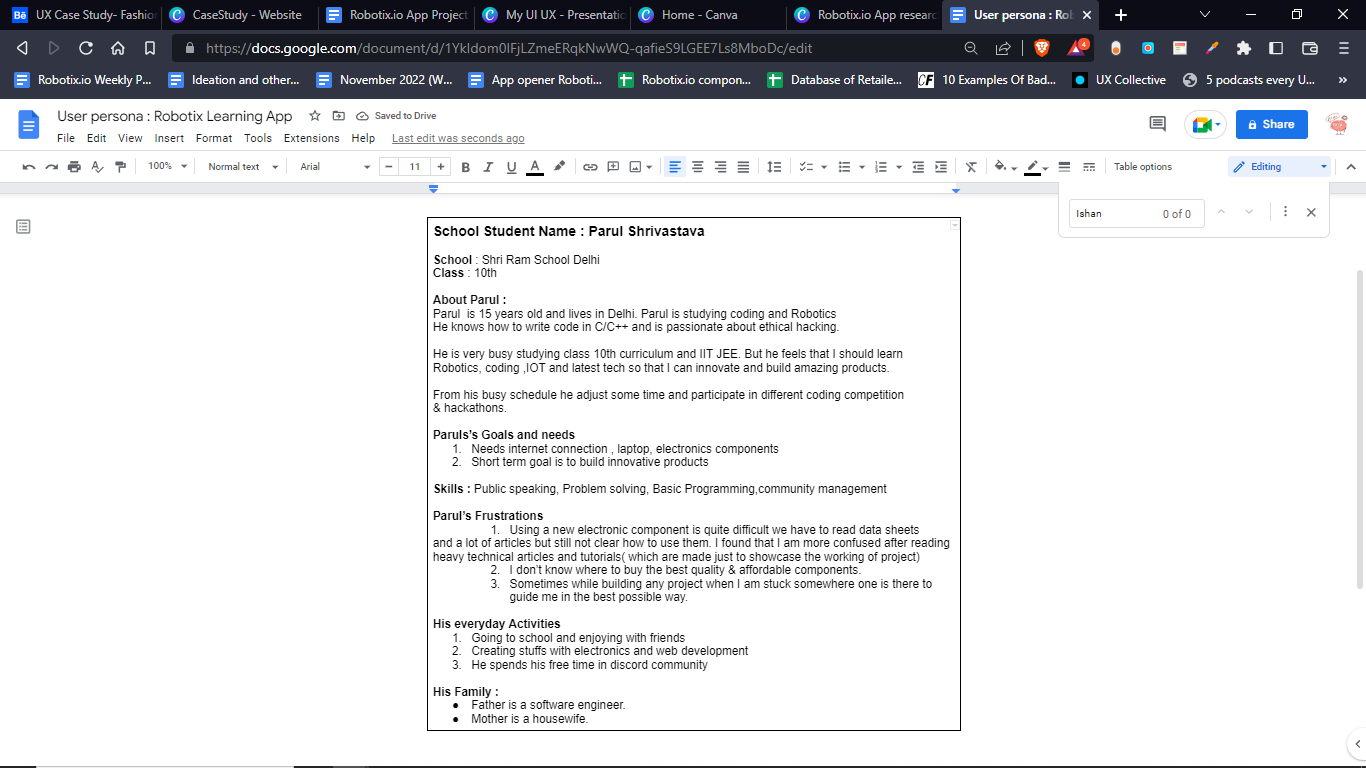
by interpreting my research and findings into personas.
Ideate
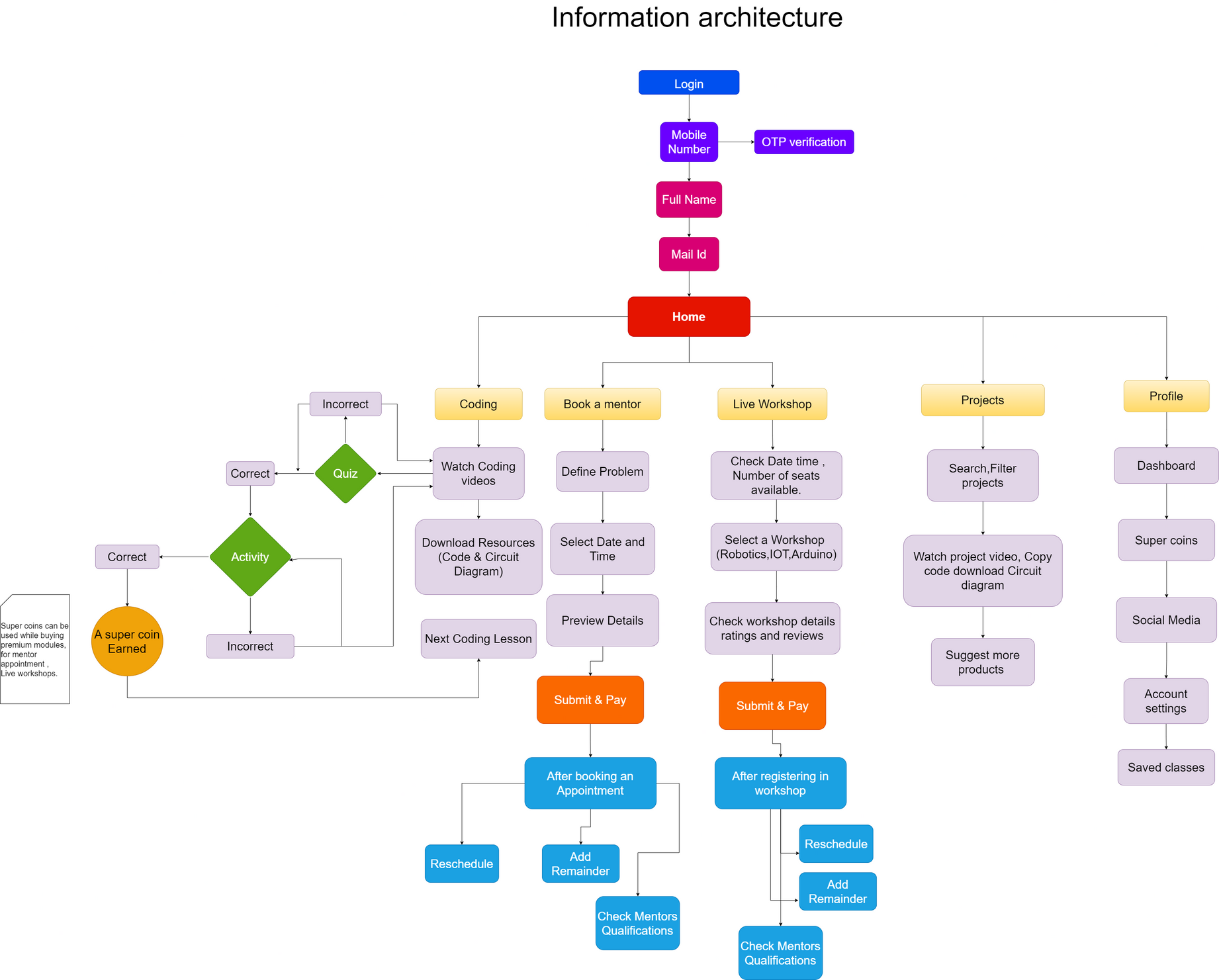
The next step was to ideate potential solution by constructing user journey and building information architecture.

Design
Next I went ahead with design, which included constructing a tons of different quick wireframes.
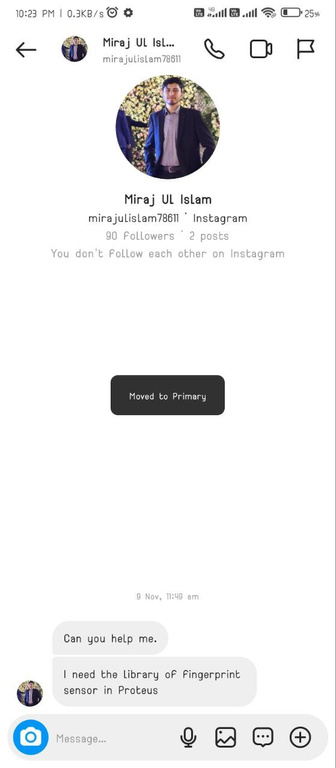
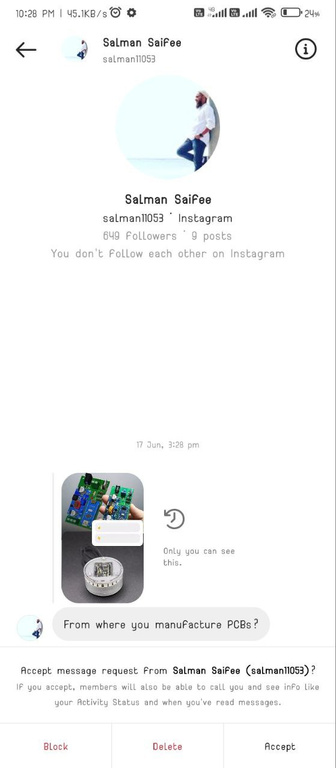
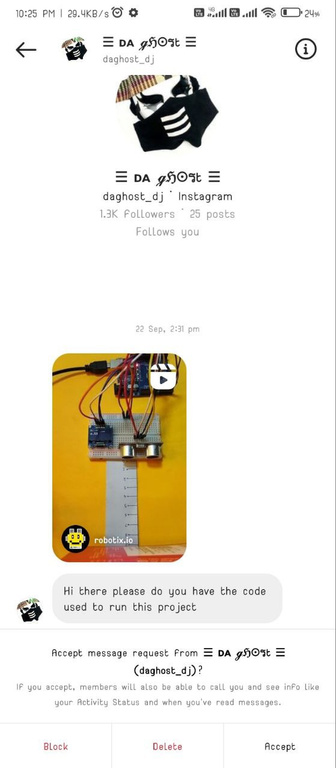
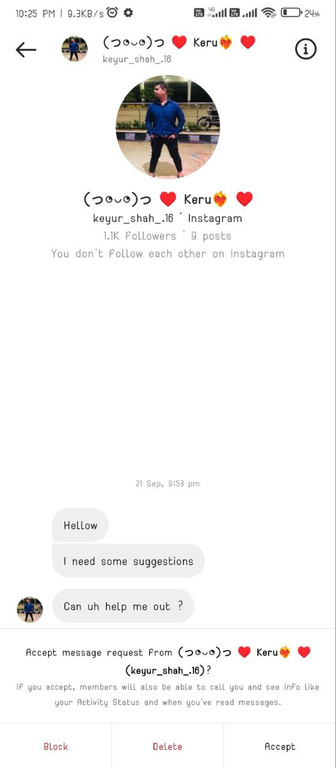
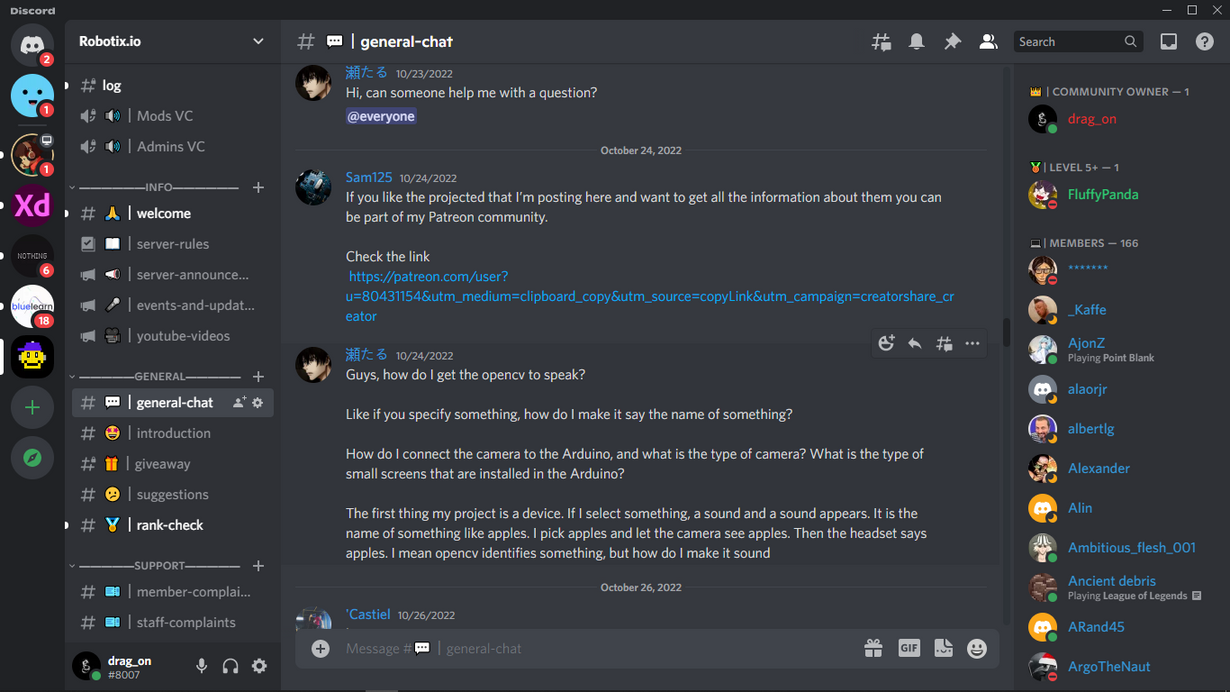
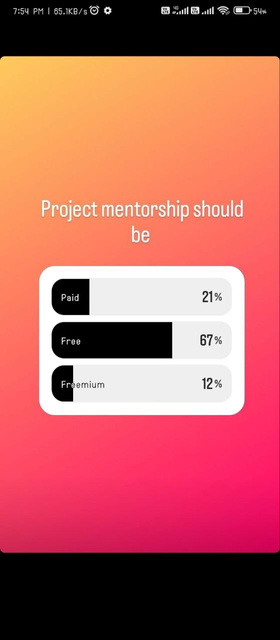
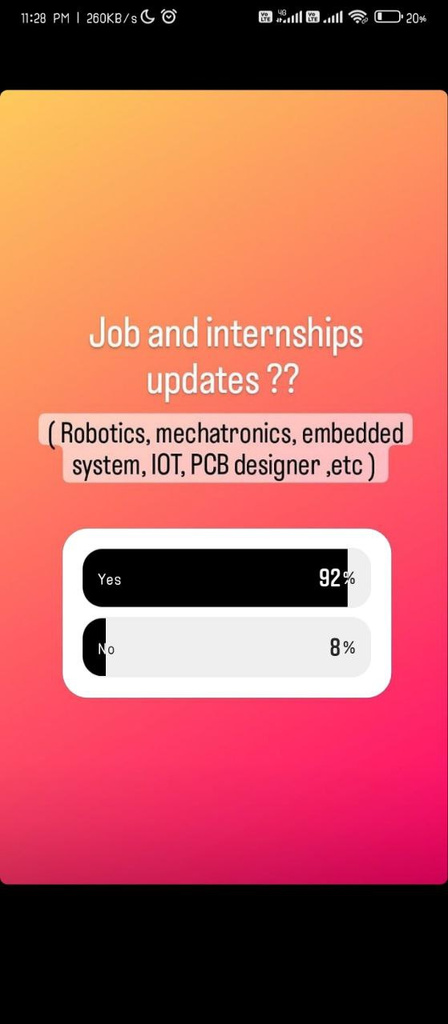
Queries, Help & suggestion


User Persona

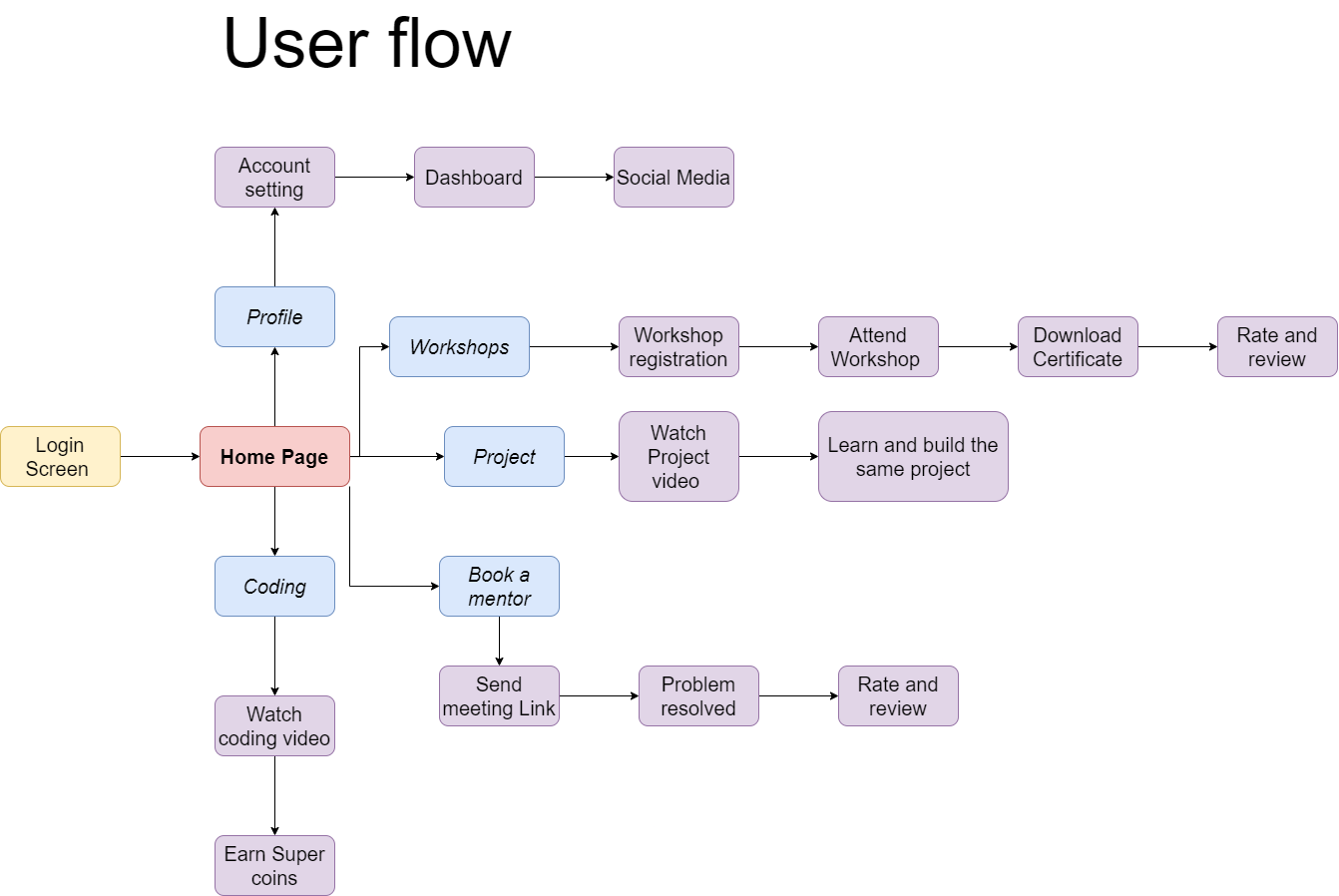
User Flow
In order to determine what screen I would be designing for the interface. I created a user flow that would accomplish the success criteria in a way that would be both usable and enjoyable for the users.
Information Architecture
Information Architecture gives the fair idea about the visual representation of our App.
Wireframe Sketches

With the information Architecture I quickly sketched out a variety of ideas for each screen.
This rapid way of ideation is helpful to experiment with different solutions.

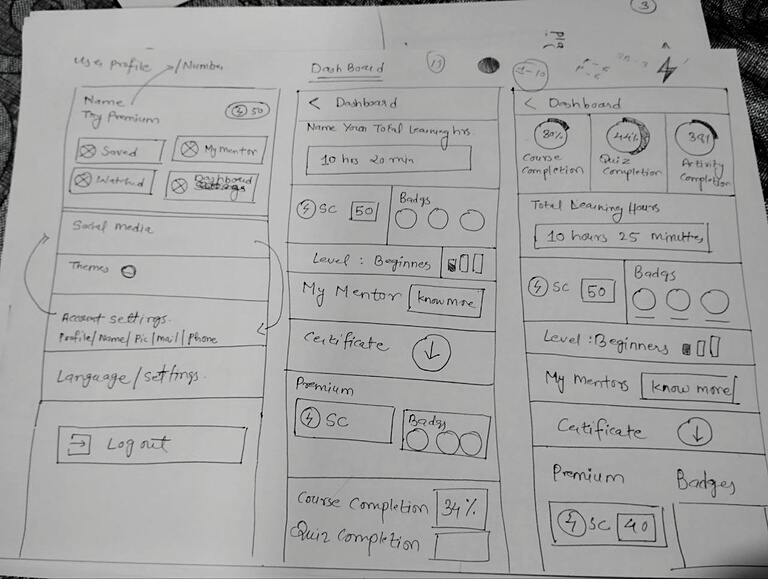

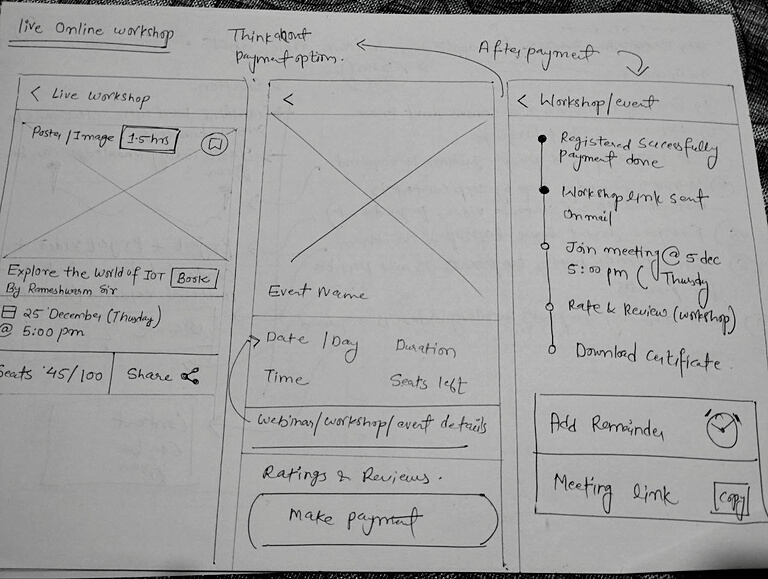

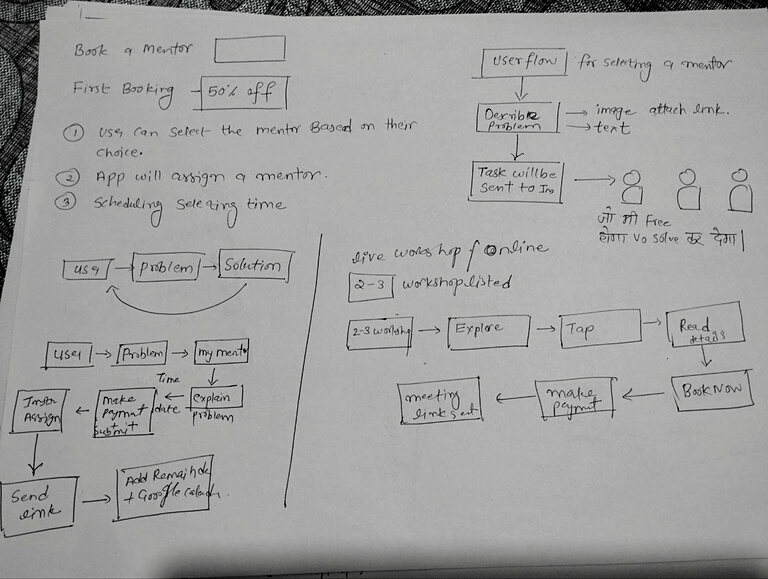

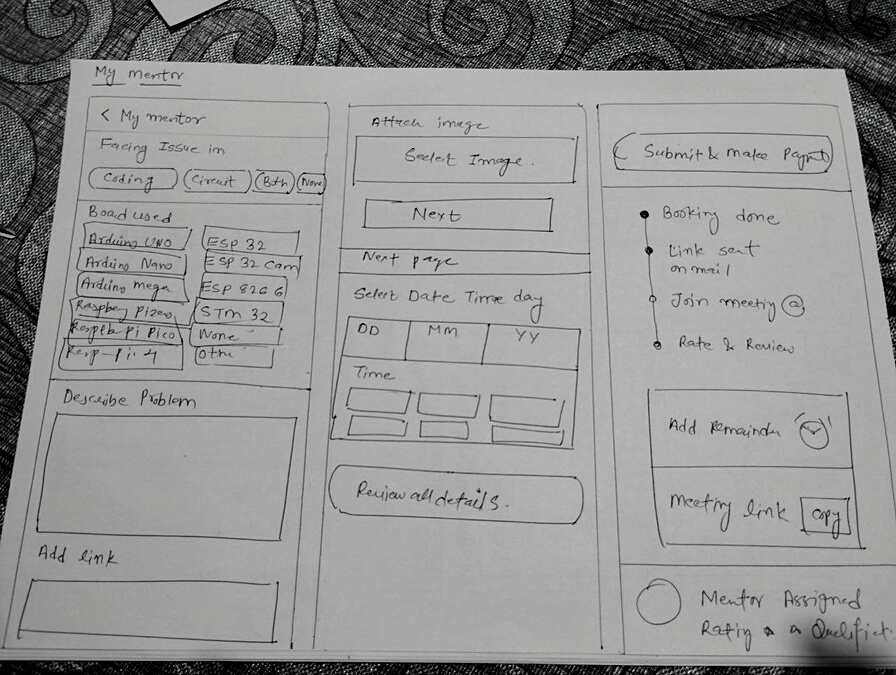

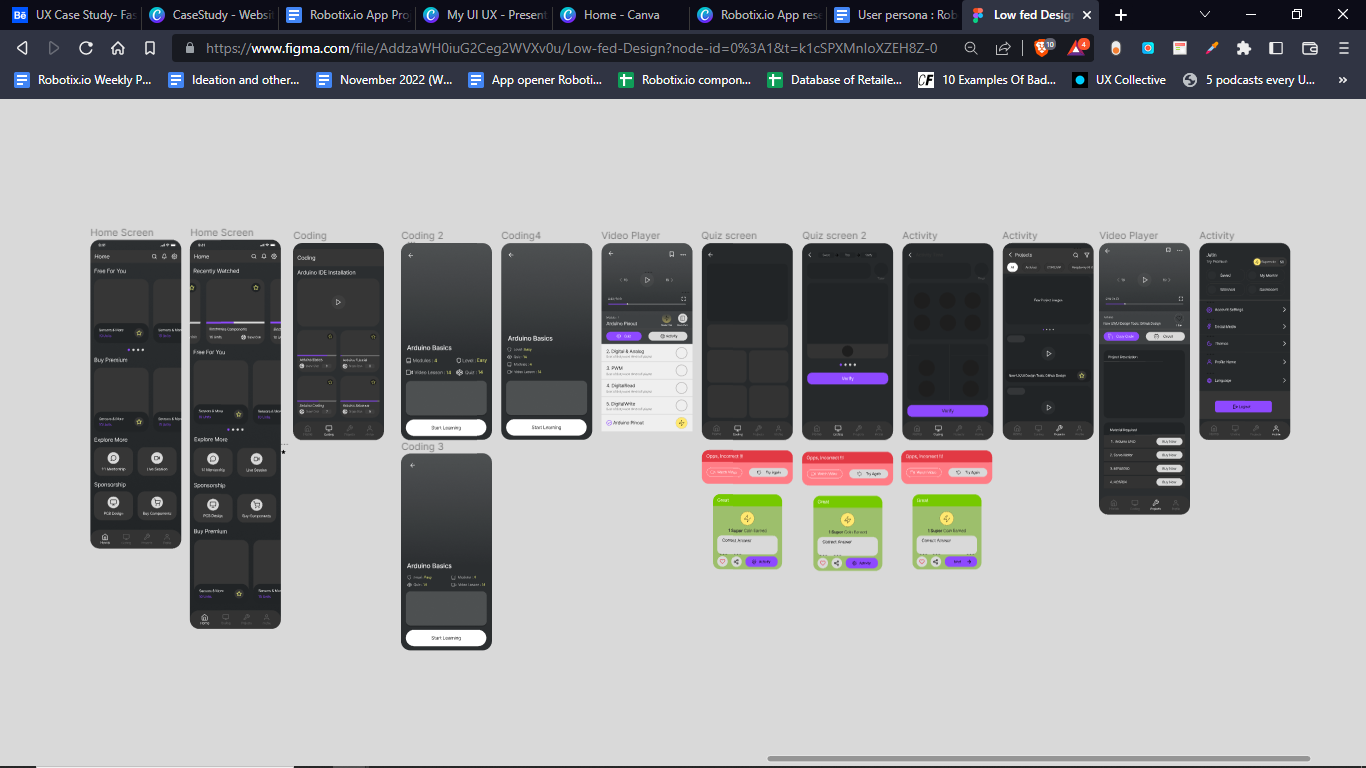
I then took the sketched wireframes that were the best potential solution and made them into low fidelity wireframes in Figma.This method will further allow me to redesign.

Style Guide
In order to materialize the final product the next step was to design the branding for the app. I put together all the suitable style guide.

Color

Typography

Iconography
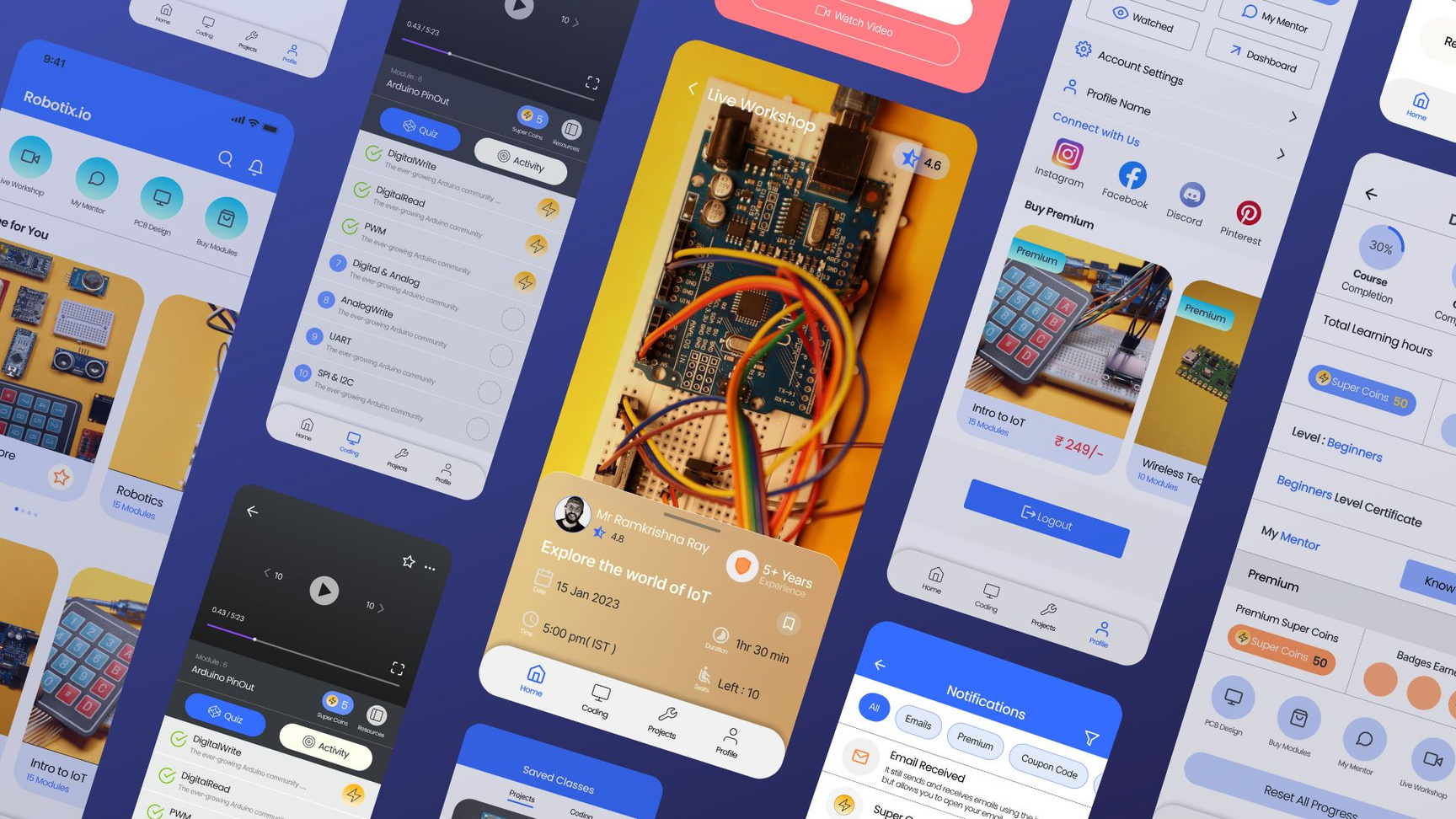

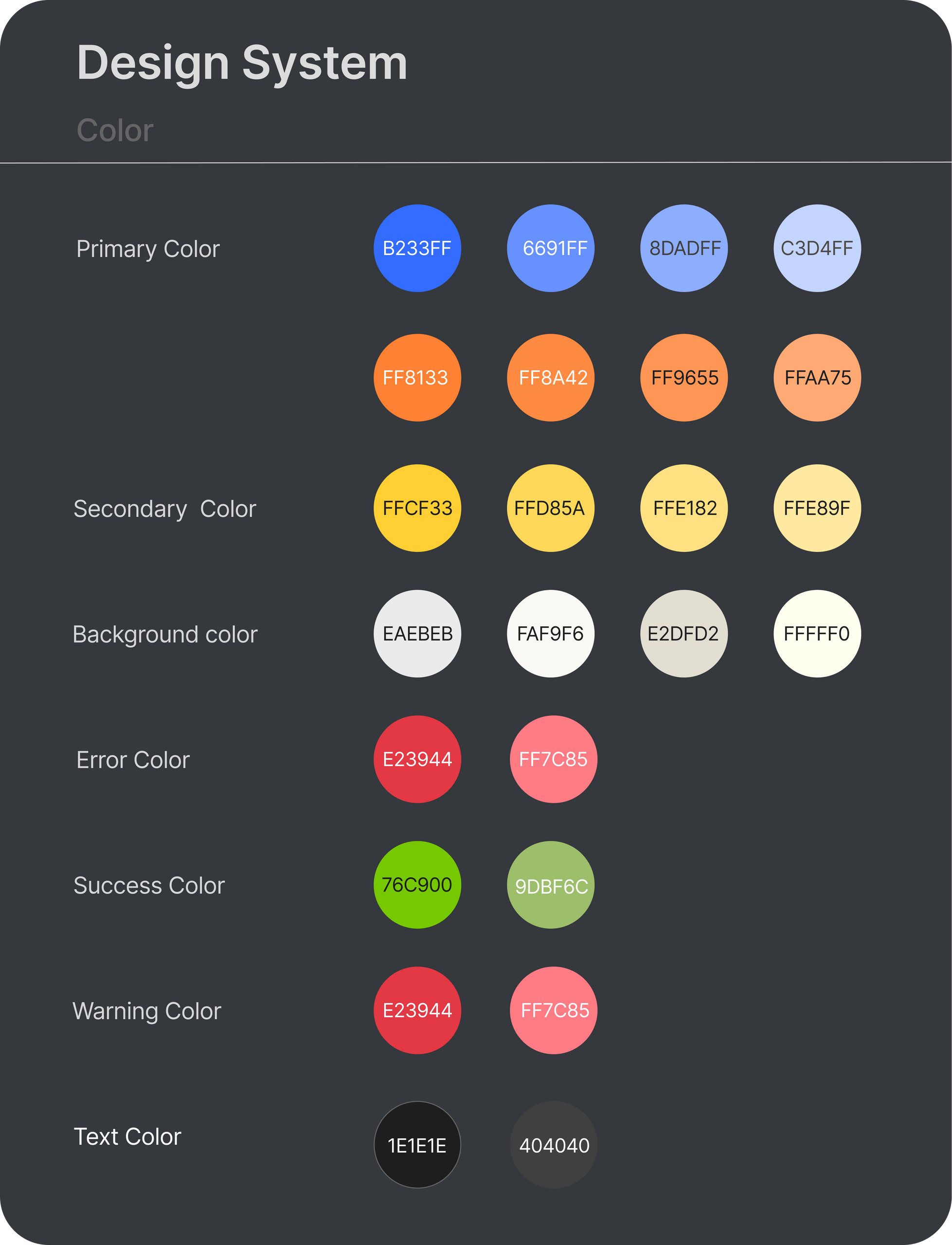
Colors
Color is an important element of any brand. I carefully selected each color to reflect apps essence.

Typography
I thoughtfully used typography to reflect the simplicity of the brand.
Poppins
Poppins
Poppins
Poppins Regular
Poppins Medium
Poppins Bold
ABCDEFGHIJHKMNOPQRSTUVWXYZ
abcdefghijklmnopqrstuvwxyz
1234567890

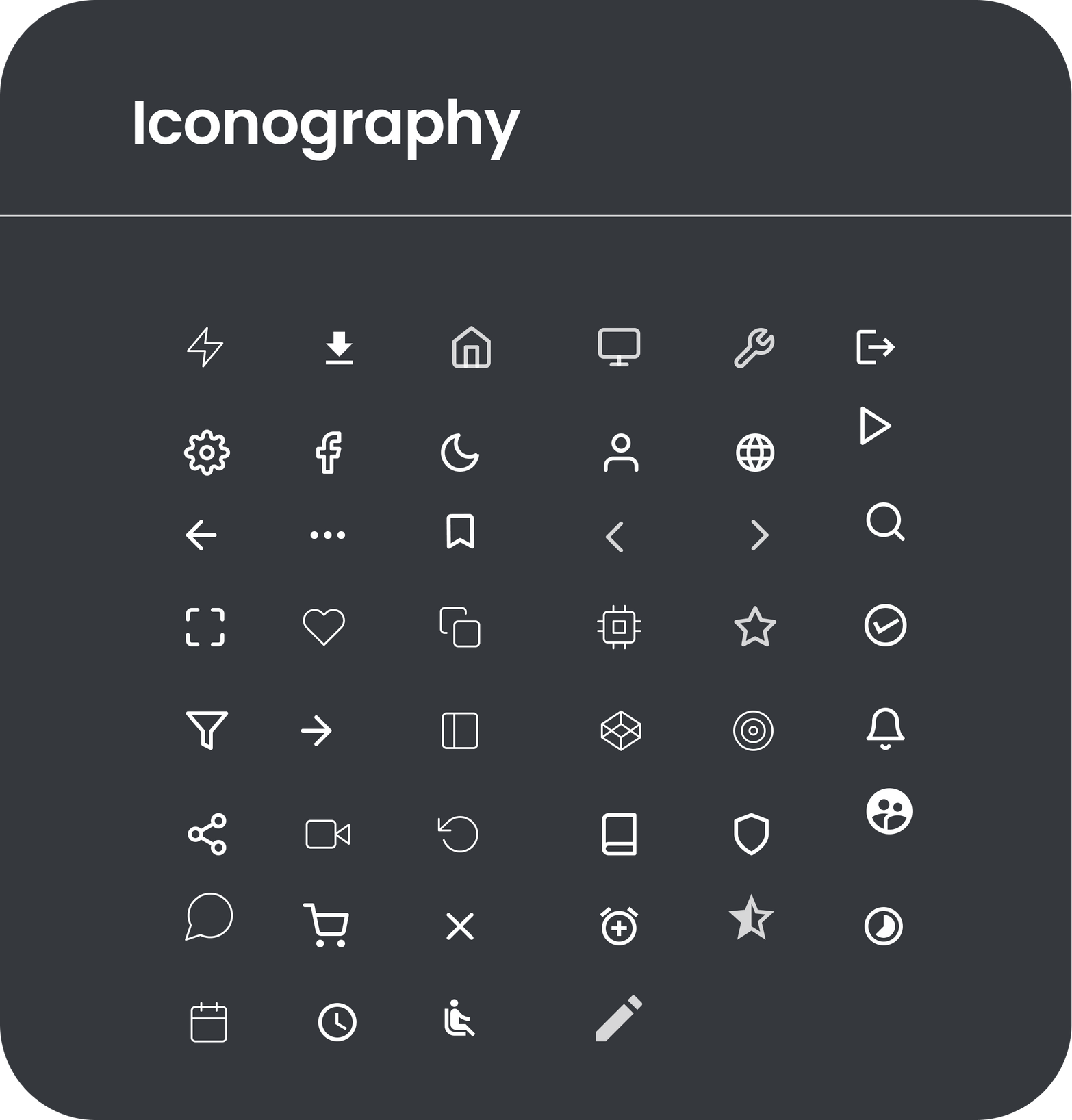
Iconography
The visual images and symbols used in a work of art or the study or interpretation of these.
Prototyping
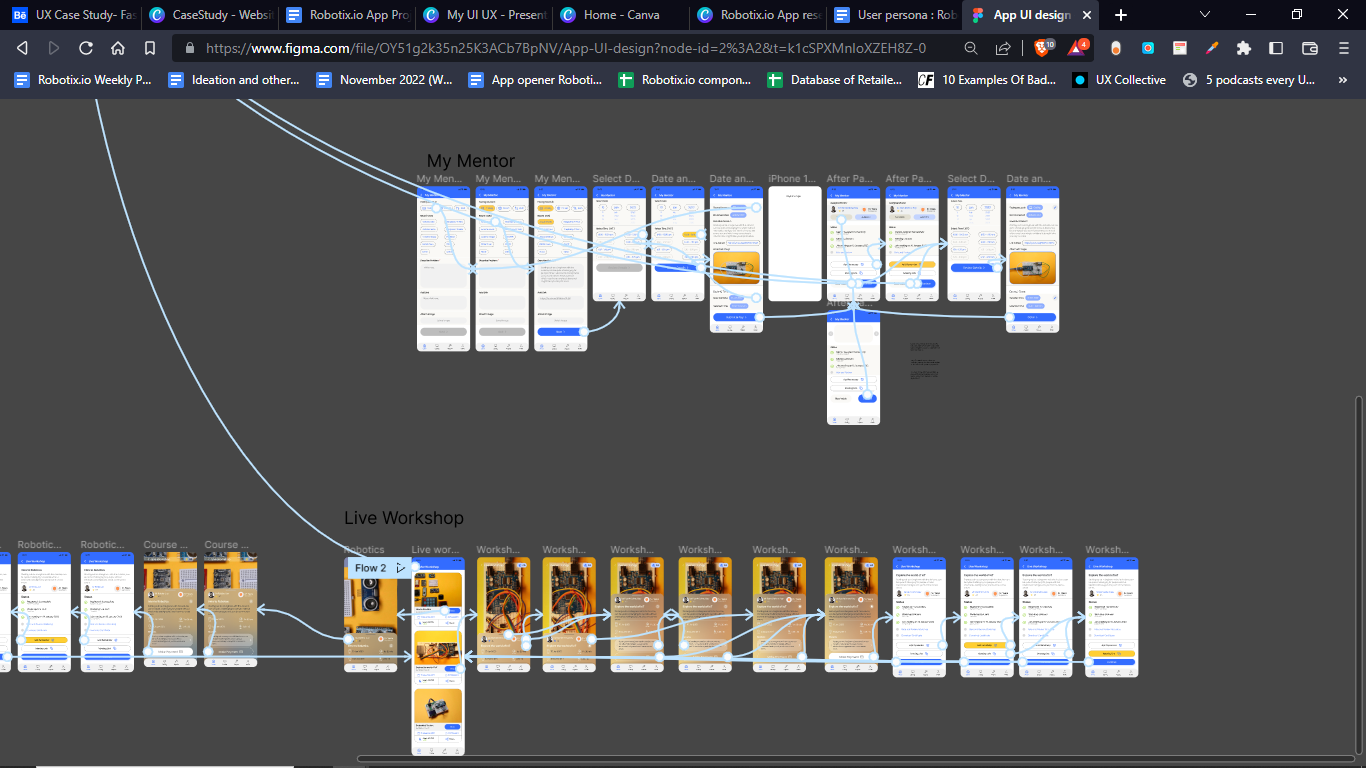
After creating high fidelity wireframes.I put together a working prototyping in Figma.
Interactive Prototyping
After creating high fidelity wireframes.I put together a working prototyping in Figma.

More about the product
To begin I had to determine the problem. Every student is creative and innovative. We just need to give the right direction. When we were kids we used to reverse engineer the toys. Let’s say I had a remote control car. Now what thing will come to my mind .
How is this car moving wirelessly ?
What’s there inside it ?
How is this light working ?
Endless questions are popping up in our mind……
If I know about electronics , coding and robotics in my childhood I can definitely do wonders in tech.
Now let's discuss about the problem
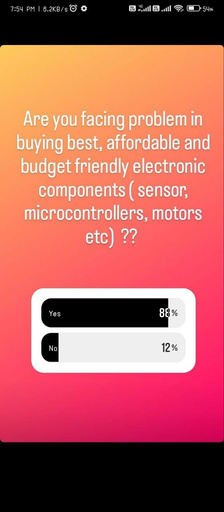
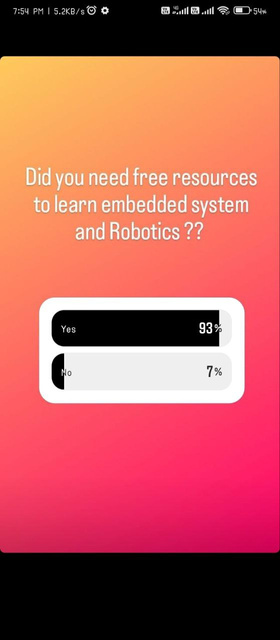
- Every school student and college student finds this field very interesting. They wanted to learn about microcontrollers, sensors and coding. But there is a lack of quality content.
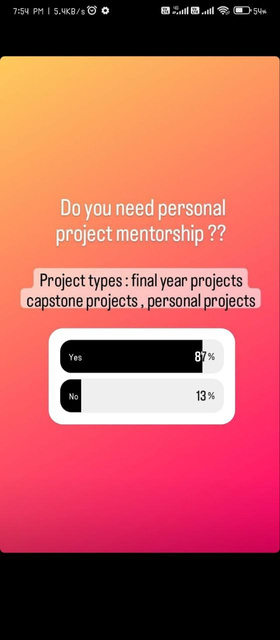
- Students started building the projects by using basic understanding but stuck in between. Now they roam here and there searching for some mentor who will complete their project.
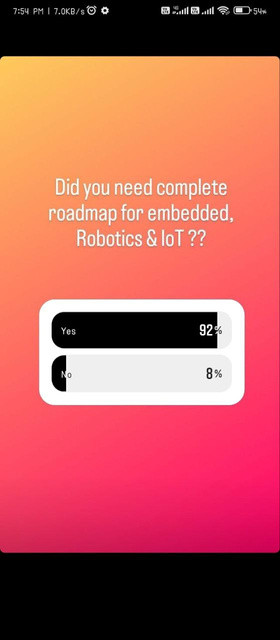
- Every electronics , embedded coding and IoT enthusiast needs a proper road map to grow in this field. They need an industry expert who can help them to guide and provide excellent mentorship.

Students Learnings
Problem solving, building innovative products, coding, Tinkering, design thinking, critical thinking, brainstorming
Problem 1
Every school student and college student finds this field very interesting. They wanted to learn about microcontrollers, sensors and coding. But there is a lack of quality content.
Solution
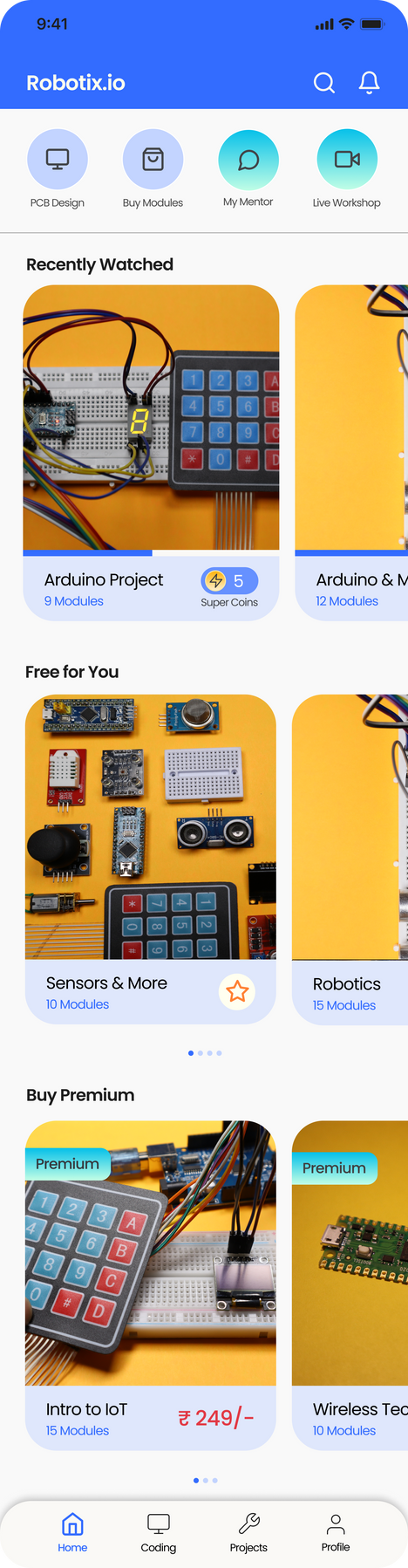
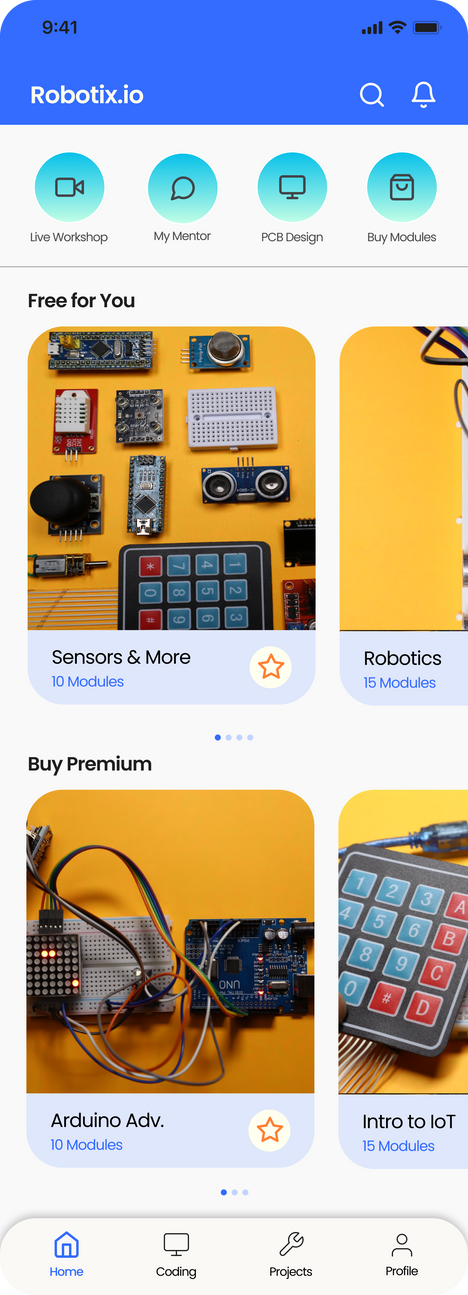
Good quality video content is available. This app works on freemium model (so free and paid video lectures are available).
Suppose you are watching free lecture after finishing it (Video lecture ,quiz and activity) you will earn a super coin which. If you will finish 15 lectures that means you earned 15 super coins which can be used while registering for workshops and booking a mentor.
Problem 2
Students started building the projects by using basic understanding but stuck in between. Now they roam here and there searching for some mentor who will help them to complete their project.
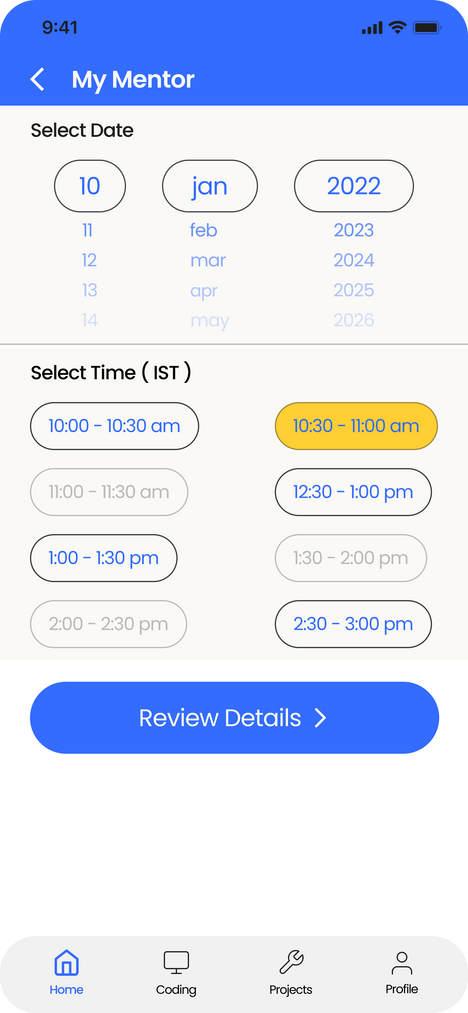
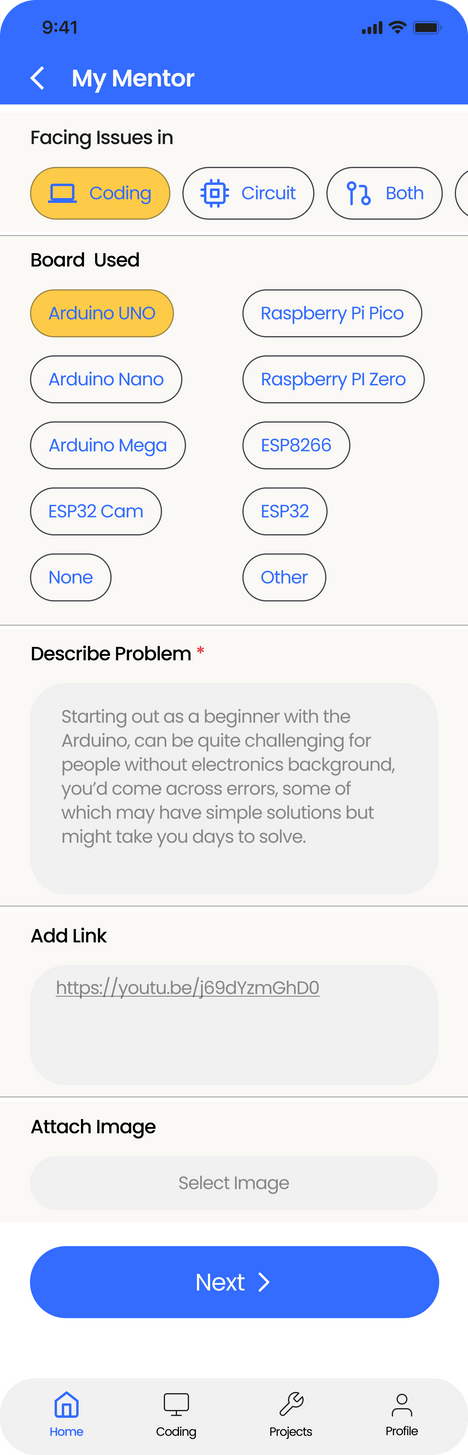
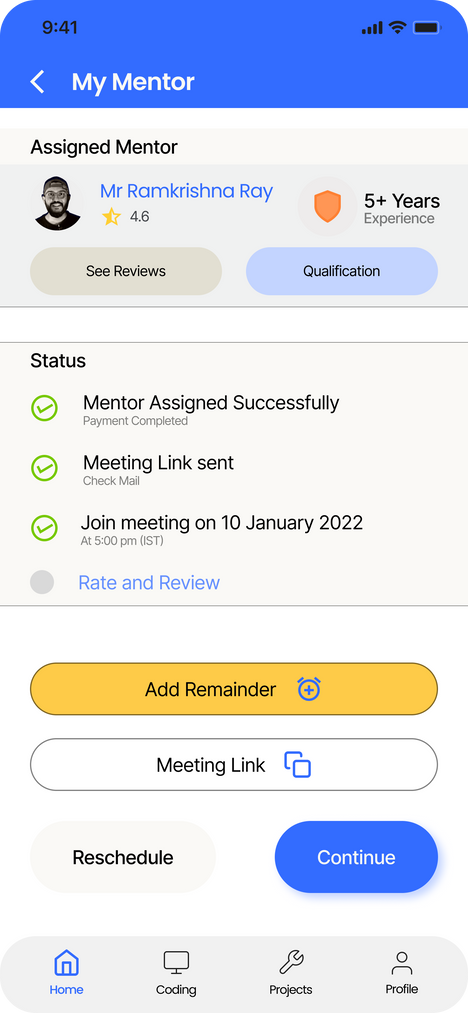
Solution
You can easily book a mentor by describing your problem by selecting date and time. Make payment through razor pay and a mentor will be assigned to you. Mail and a notification will also be sent to you.
You can check the rating qualification and experience of the assigned mentor. In case of emergency if you want to reschedule you can do that also.
Problem 3
Every electronics , embedded coding and IoT enthusiast needs a proper road map to grow in this field. They need an industry expert who can help them to guide and provide excellent mentorship.
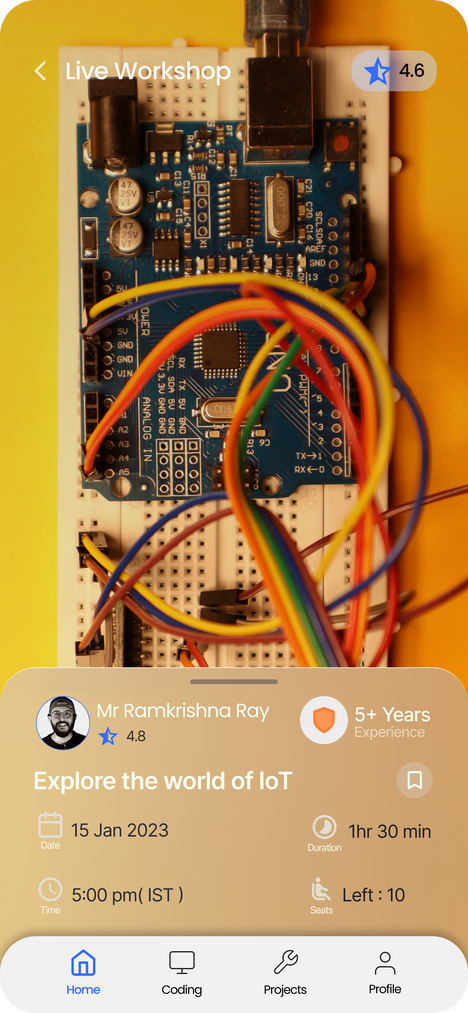
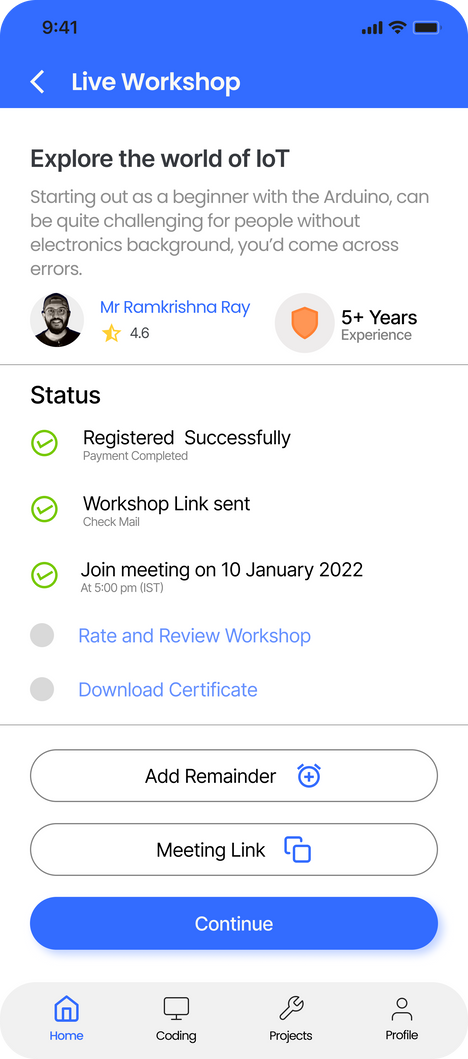
Solution
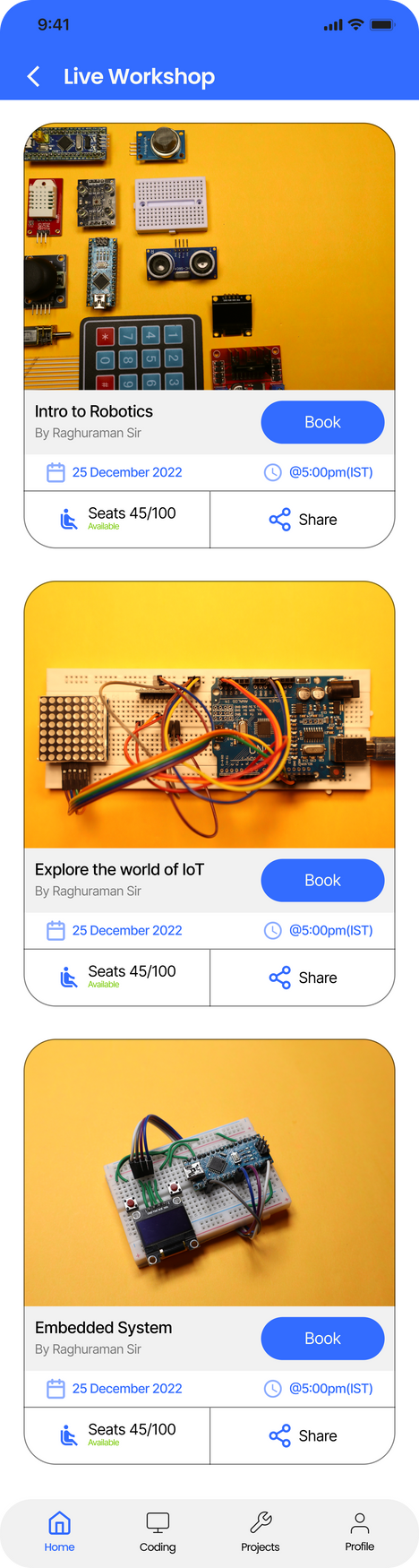
Solution of this problem is attending online paid workshops with industry experts.
There are so many online workshops on topics like IoT, embedded system, PCB design and lot more.
You can book the workshop share workshop link with your friends.
You can also check each and every important details of the workshop like remaining seats. Time duration of workshop, workshop topic.
After finishing the workshop you can rate and write feedback. Also don't forget to download your certificate.
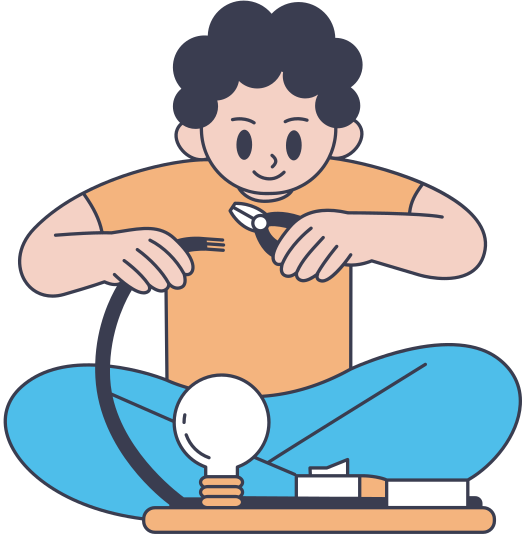
Projects

Different types of Arduino Projects. You can watch the video to learn about the project.
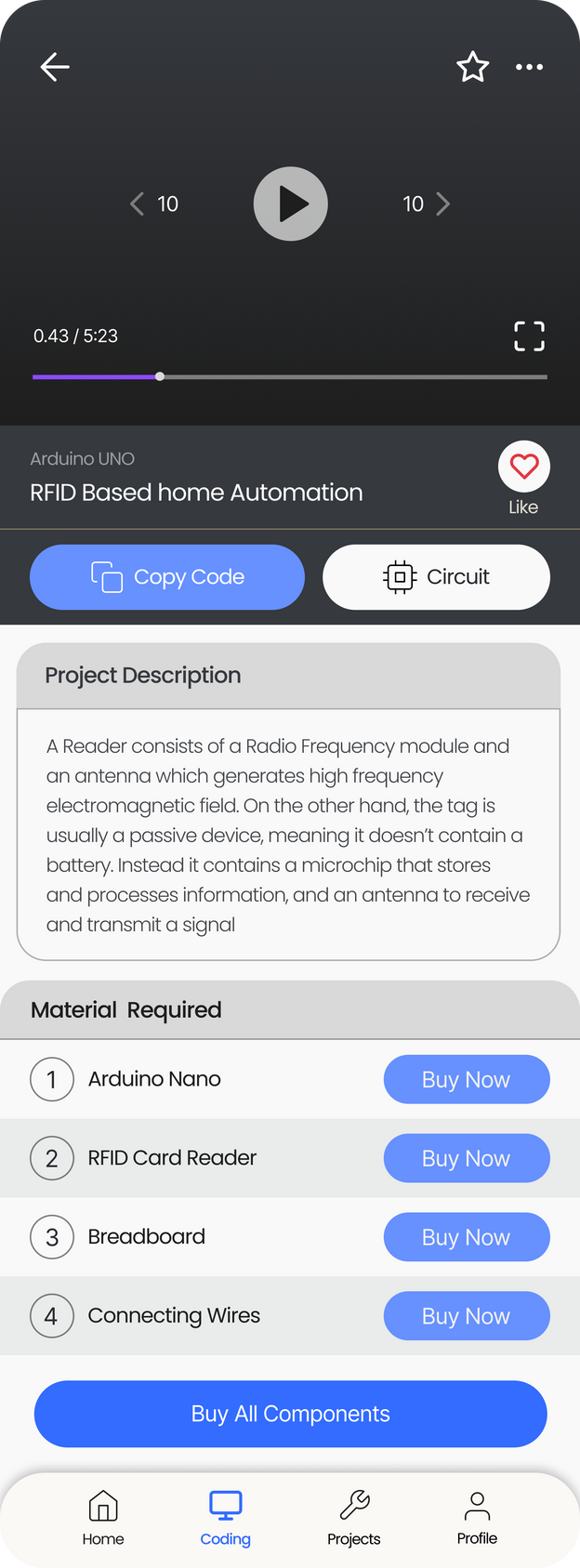
Save Later
Save this project for later. So that you can watch later.
Video Player
Play project video. Forward play, backward play and watch in full screen.
Copy Code
Circuit Diagram
Download circuit diagram.
Copy the code to your clipboard
Project Description
Read all the necessary project description about the project.
Buy a Component
You can also buy a single piece of components. (Sponsorship)
Buy All components
You can download all the components together required for this projects. ( Sponsorship )
Projects
Learn different Arduino Projects

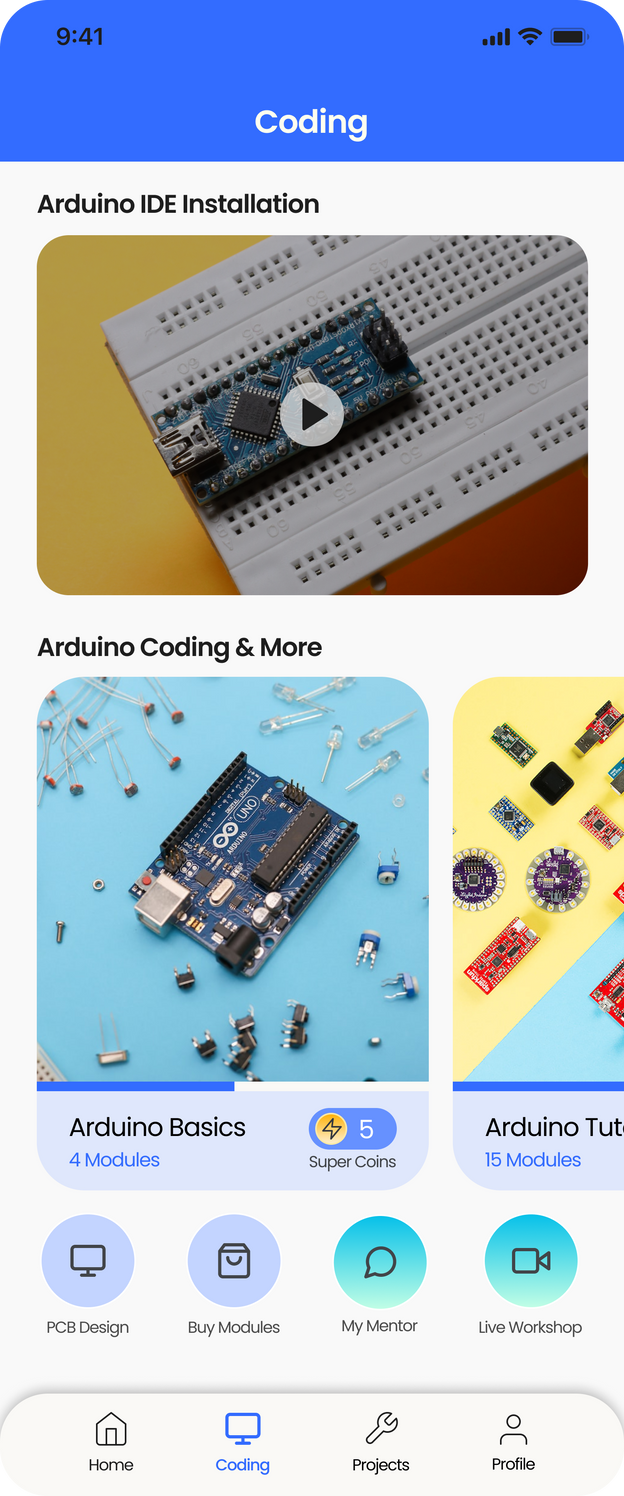
Coding

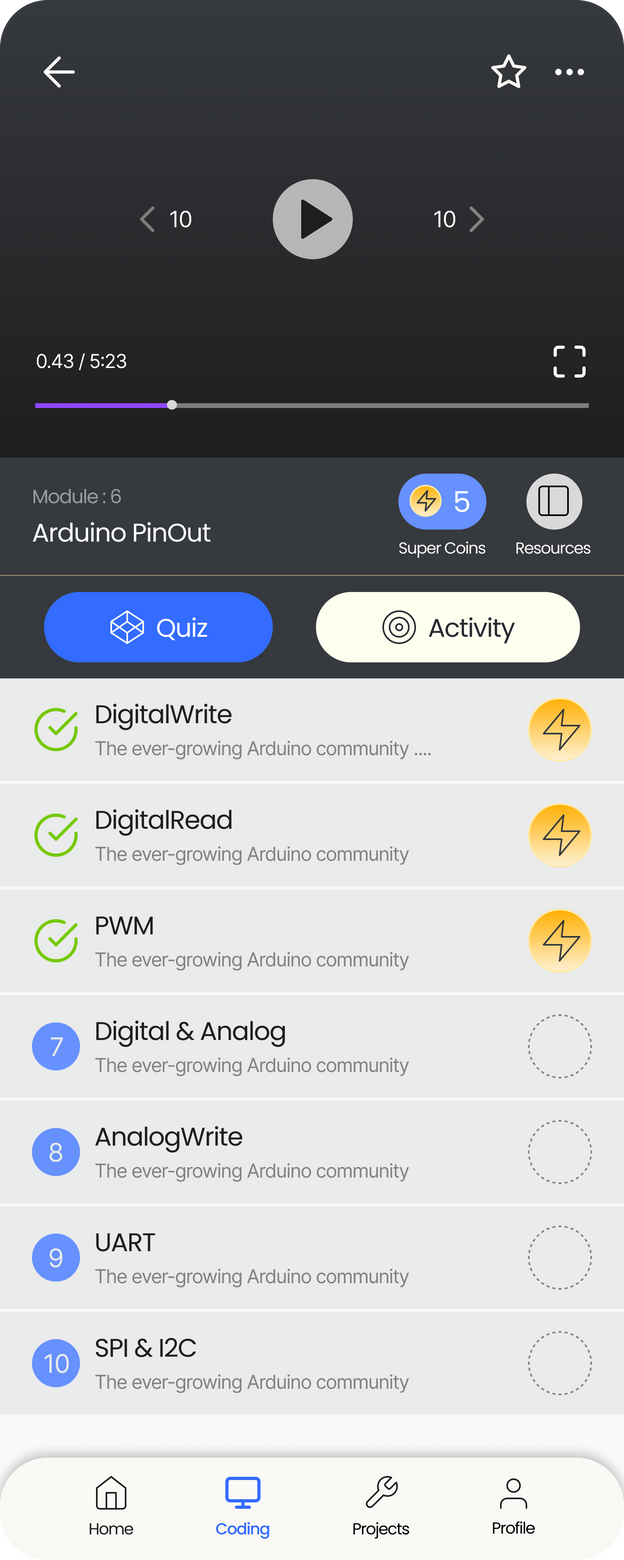
Learn Arduino coding by watching high quality video. Solve quizes and play interactive activities to learn about Arduino coding. Once your module is finished you will earn a super coin.
There are may different coding concepts are available. You can also see the progress of each topics and coins earned.
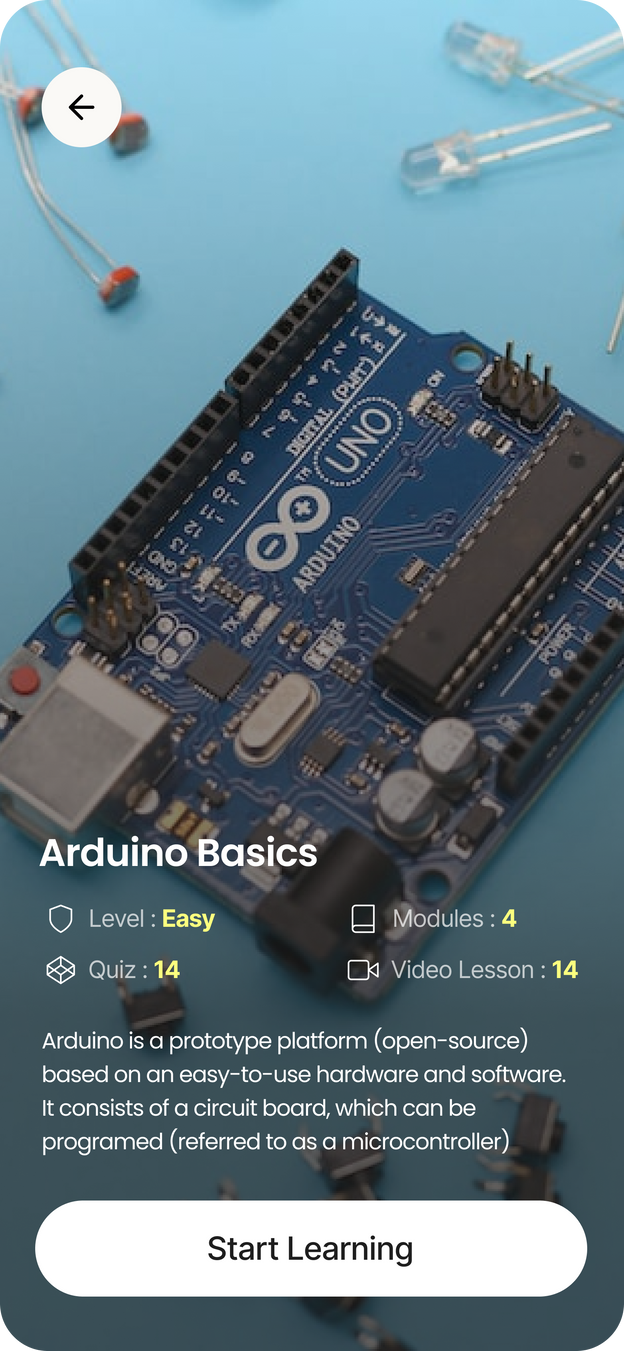
Before starting the module you can see the a small intro. Like levels , Number of modules, Quiz and video Lesson.
You can also check the resources
while watching the video. Once the lesson video is finished a tick mark will appear in front and a super coin
Quiz Time
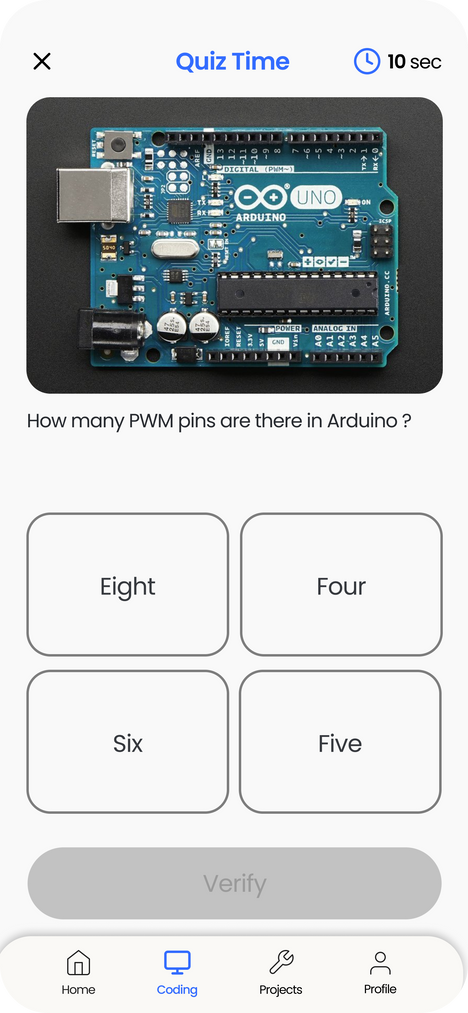
Select One option
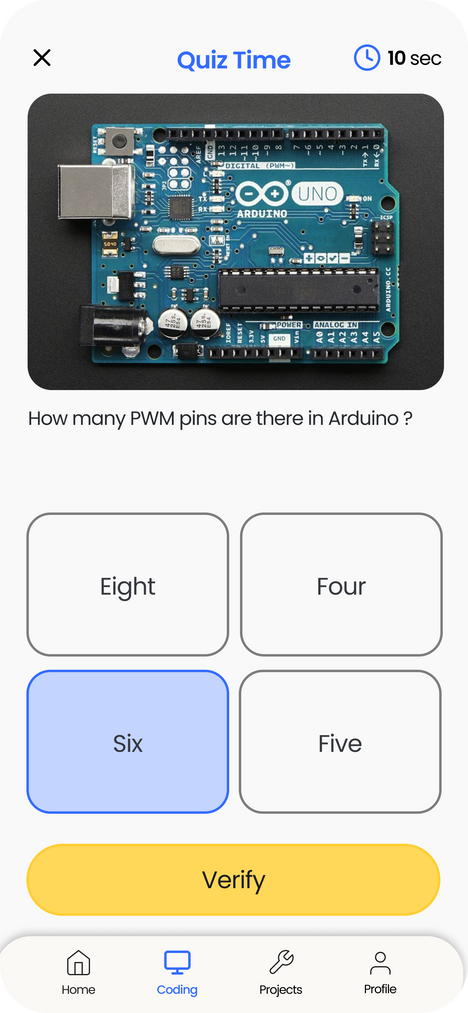
Verify Answer
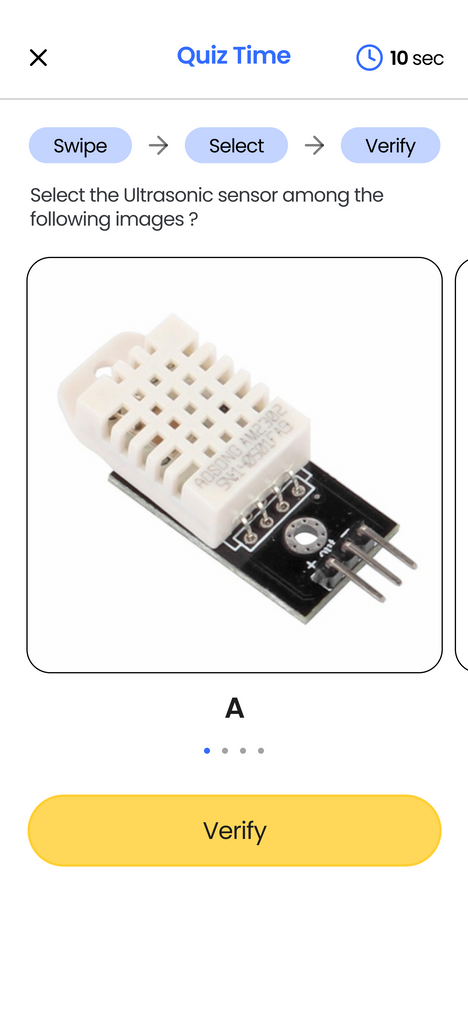
Swipe - Select - Verify
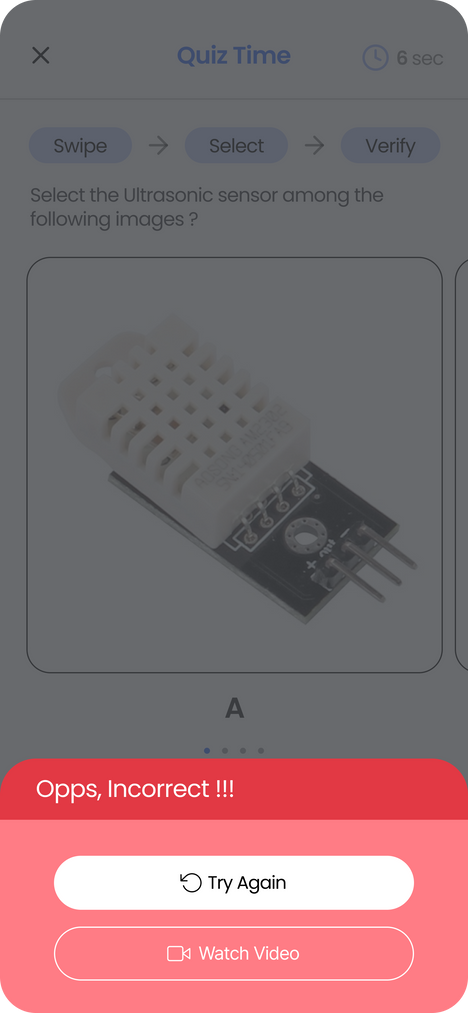
Incorrect Answer
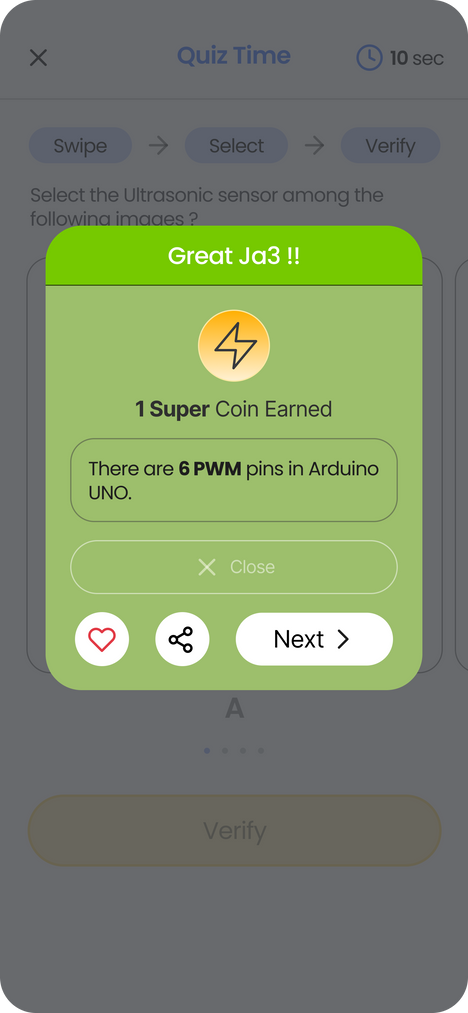
Correct Answer
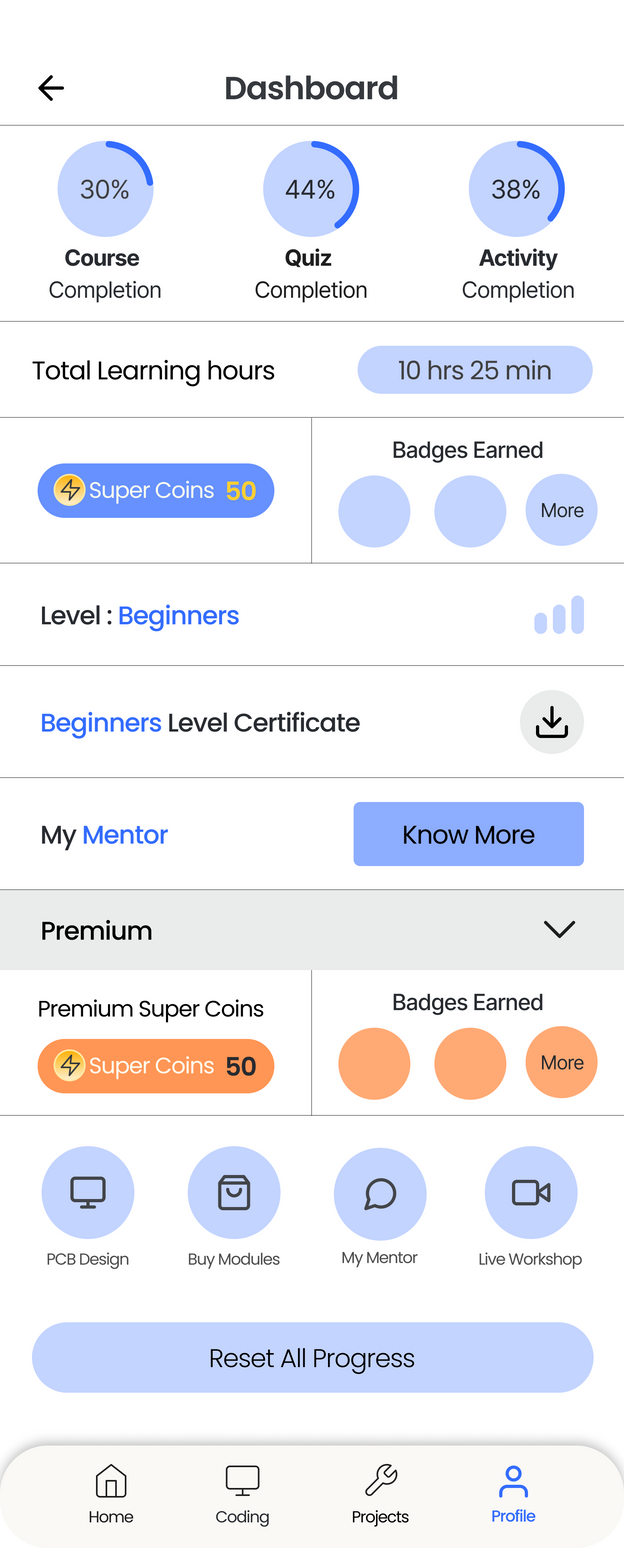
Profile & Dashboard
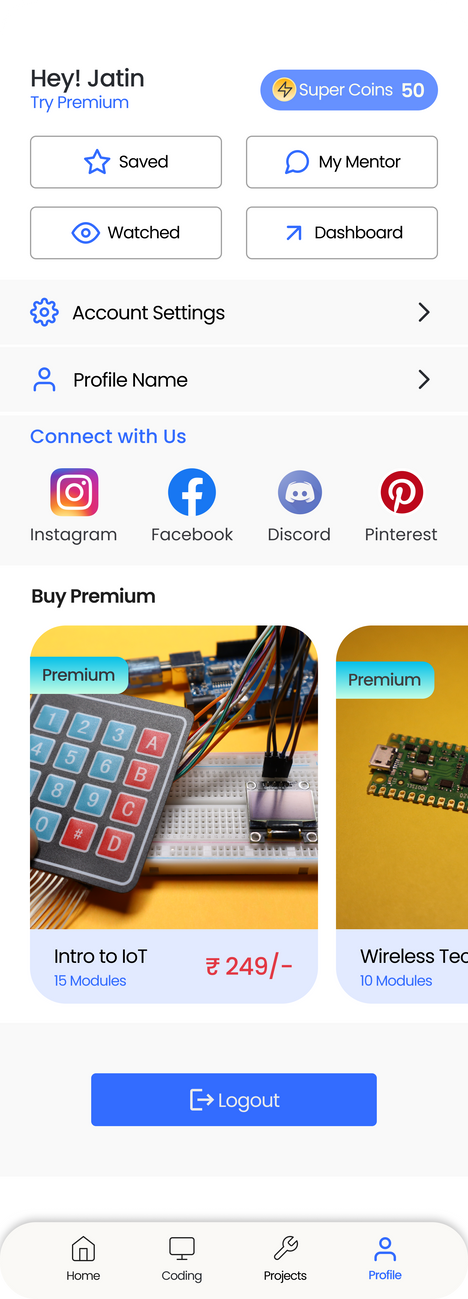

Please Don't skip
December 2020 - May 2021
Designed and Developed Arduino Programming App
and published on Play store.
After 6 months App got 25k+ downloads.
And generated Revenue of Rs 12k+ from it.

But App got suspended by Google
Once Again I wanted to build the Application. That time I was not aware about UI UX. But now I learnt everything from scratch about product Design. Everyday I am improving and working on design skills.
Also I am teaching about robotics and coding on YouTube , Udemy and SkillShare.

/robotixio

I am from tech background. What pushed me to learn about product design is to build the App again ( More stronger this time ).

Thanks for Reading